01 / Television
Already on your TV.
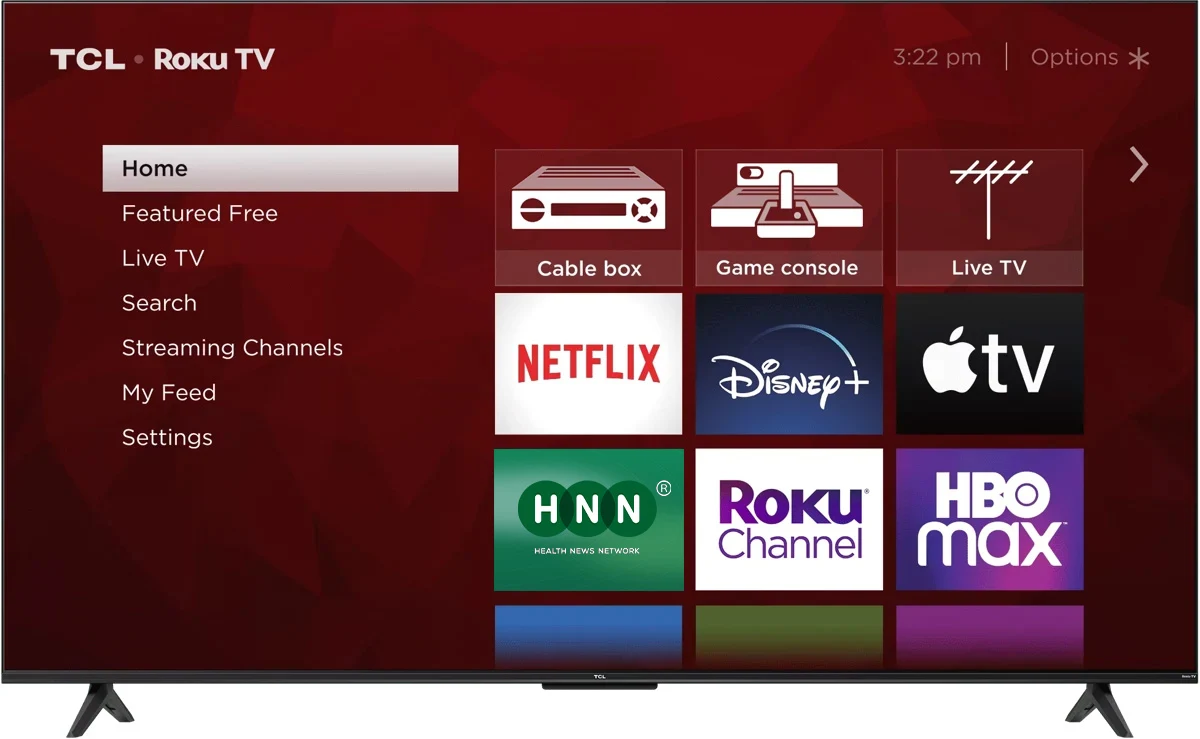
On a compatible smart TV, find Health News Network in the app store. The system inside your television is what matters.
Find my TV brand
Where to watch HNN
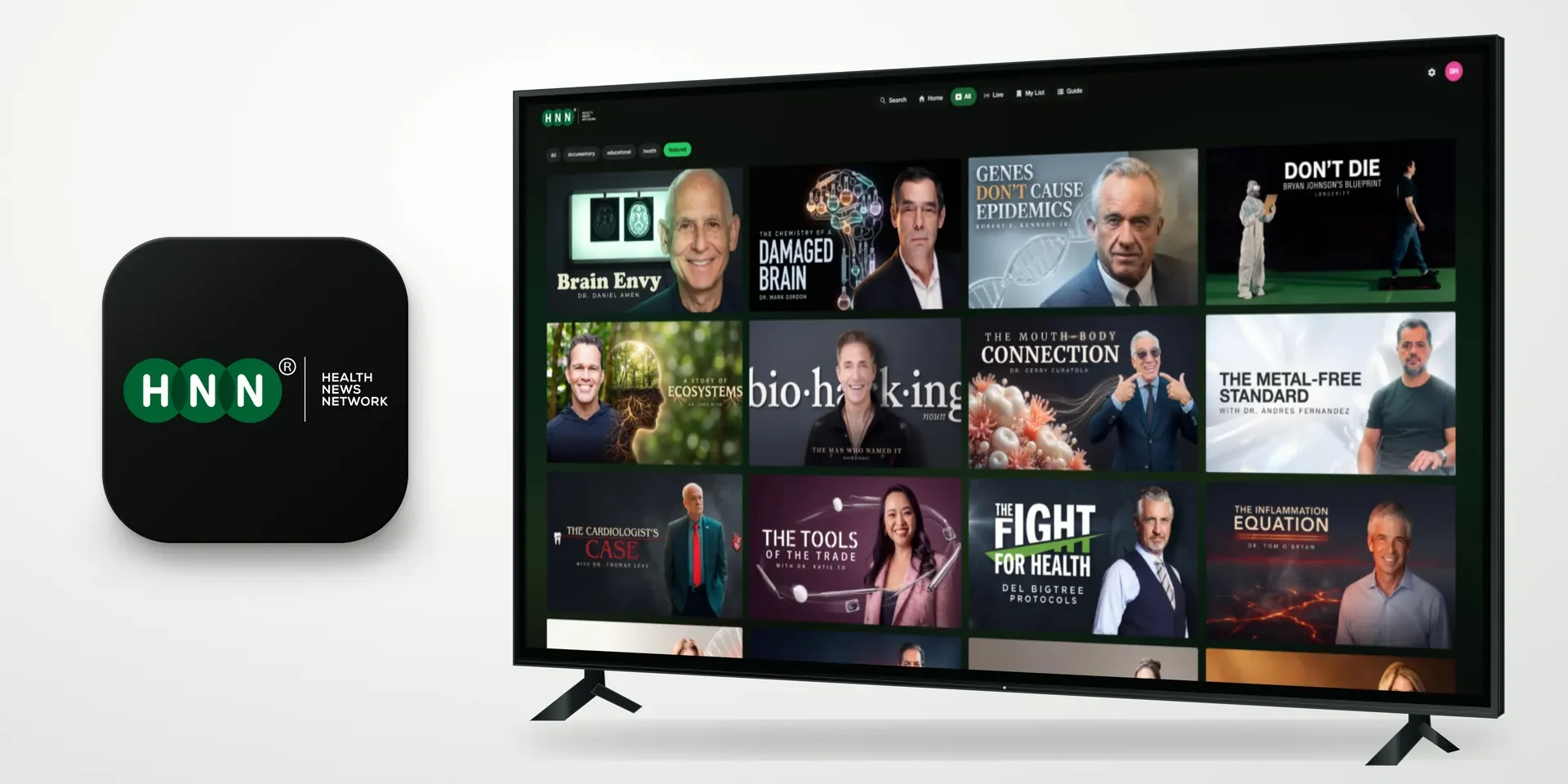
The films. The experts. The conversations that matter. On your television, your phone and your computer.
HNN’s own catalogue is free to watch. No cable needed.






The HNN finder
Choose your screen. We’ll show you where to find HNN and how to start watching.
Start here
No need to know your TV’s model number. If you’re unsure, choose “Another TV” or find your brand below.
At home or on the move
You may already have everything you need. Start with the screen that suits you.
On a compatible smart TV, find Health News Network in the app store. The system inside your television is what matters.
Find my TV brand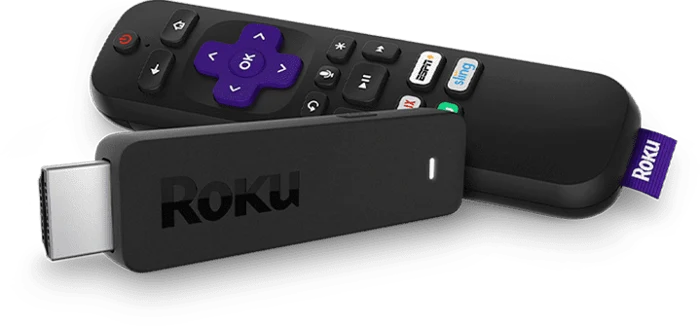
Connect a compatible streaming device to an HDMI input. Add HNN from its app store and watch on the big screen.
Explore streaming devices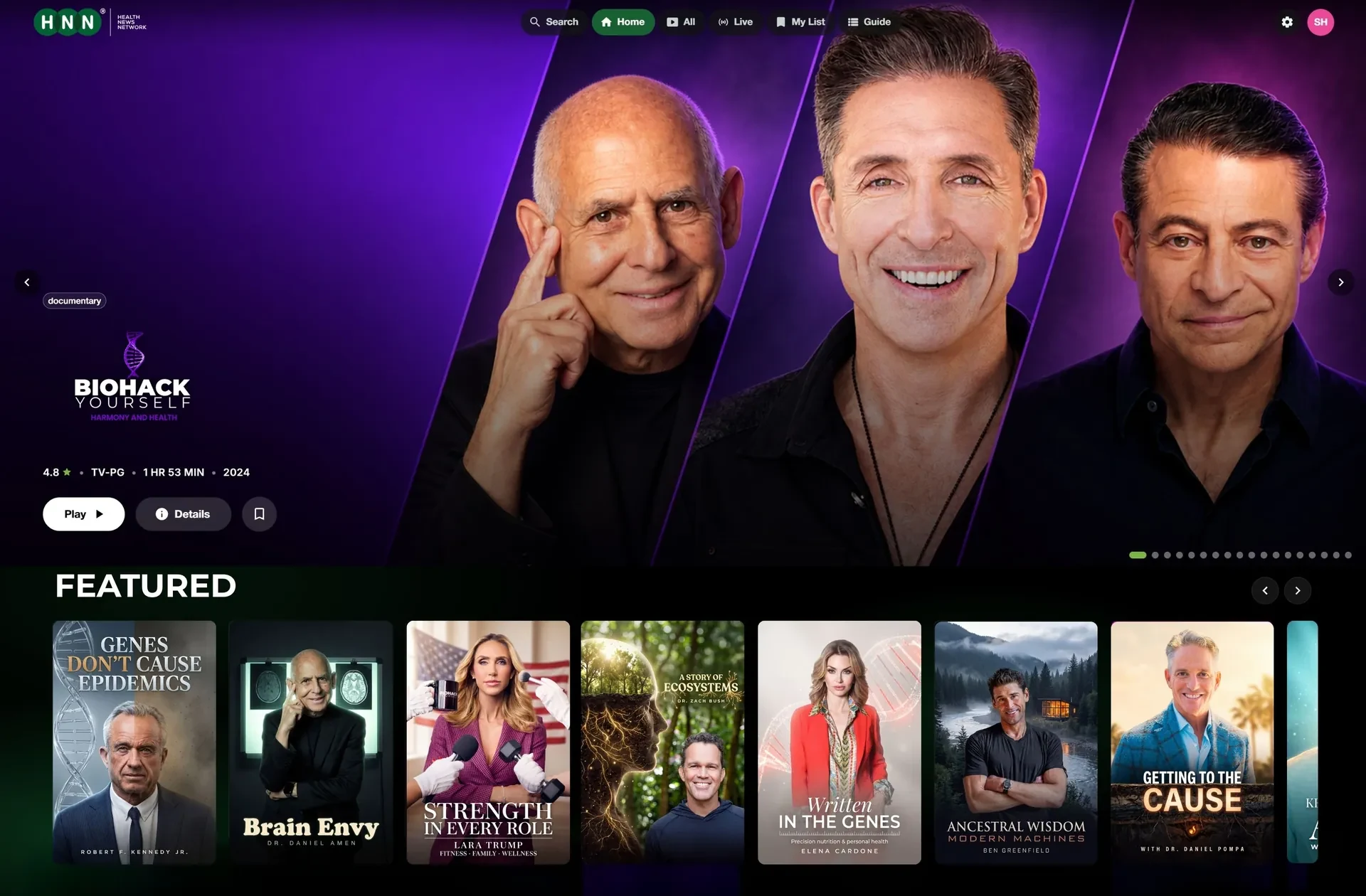
Use the mobile app, or open watch.hnn.media in your browser. Your next film is a link away.
Find the appsThe name on the front. The system inside.
Some brands sell TVs with different operating systems. Choose your brand, then check the home screen you see when you switch it on.
Find your TV brand
Choose it on the left to see the systems to look for and the next step.
Your TV, at a glance
Samsung and LG are next.
United States smart TV system share, Kagan, early 2026. Apple TV is the 4% slice.
Roku, Fire TV, Google TV, Android TV and Apple TV boxes.
Find your setup steps

Native Samsung Tizen and LG webOS apps are in development. A compatible streaming device gets HNN onto your TV in the meantime.
Explore streaming devices Keep your TV.
For Vizio, Xumo, Hisense VIDAA, Philips Titan OS, TiVo or another system without a confirmed HNN app, use a compatible HDMI streaming device.
See your optionsApp availability varies by model and country. Apple TV here means the streaming box, not the Apple TV app built into another television.
Plug in. Connect. Press play.
For an older television or a system without the HNN app, these devices connect to an HDMI input. An internet connection and a compatible app store are required.
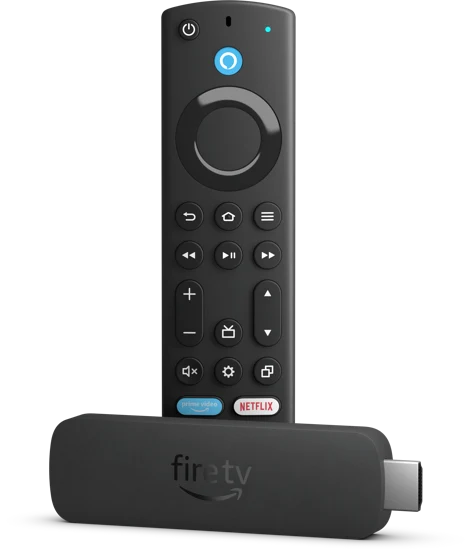
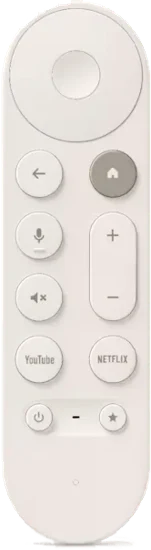
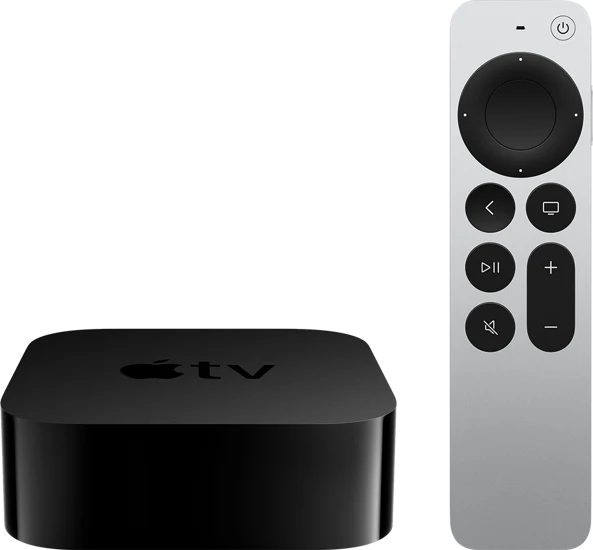
Device availability and app support vary by model and country. Check compatibility before buying a device.
Roku TVFire TVGoogle TVAndroid TVKnow what to look for
Look for Roku TV, Fire TV, Google TV or Android TV on the box and home screen.
Small screens. The same network.
Find the app on your phone or open HNN in a browser on your tablet or computer.
Get Health News Network from the App Store.

Find Health News Network on Google Play.
iPad, tablet, Mac or PC
Open HNN online. Nothing to install.
Watch in browserA global network
HNN’s distribution spans more than 100 countries. Choose your region for a starting point, then check the app store on your device.
countries in HNN’s distribution
Your viewing guide
Start with the system you already own. Both countries have Roku stores and Amazon Appstore marketplaces.
Find the phone appsSearch Health News Network in your device’s store. A Roku TV, Fire TV or compatible streaming player gives you the same starting point.
Choose your deviceOpen Apps, Google Play or the App Store on your TV or streaming box. Check for the green HNN logo.
Choose your deviceUse the iPhone or Android listing below, or open HNN in your browser.
Choose your deviceYour viewing guide
Roku lists stores in Mexico, Brazil, Argentina, Chile, Colombia, Peru, Costa Rica, Panama, Guatemala, Honduras, El Salvador and Nicaragua.
Find the phone appsIn those countries, search the local Roku store for Health News Network. An app’s availability can differ between stores.
Find setup stepsMexico and Brazil have Amazon Appstore marketplaces. Fire TV model availability differs, so check the store on your own device.
Find setup stepsIf you use Google TV, Android TV or an Apple TV box, search its local app store. The phone apps and browser are other routes to check.
Choose your deviceYour viewing guide
Use your local device store. The UK and Ireland both have Roku stores, but Fire TV’s store routing differs between the two countries.
Find the phone appsSearch Health News Network from your Roku home screen or Streaming Store.
Find setup stepsUK devices use the UK marketplace. Fire TV users whose country is Ireland are routed to Amazon’s German marketplace, so app listings can differ.
Find setup stepsCheck the app store on your Google TV, Android TV or Apple TV box. On a phone or computer, use the app links or browser.
Choose your deviceYour viewing guide
There is no single European app catalogue. Start with your country’s store and the system shown on your TV.
Find the phone appsSearch Health News Network in your device’s local store. Check compatibility on that device.
Choose your deviceGermany and Austria are listed in Roku’s current store documentation. Elsewhere, check the store available on your device.
Find setup stepsAmazon has marketplaces serving Germany, France, Italy and Spain, as well as neighbouring countries. The available TV models and apps vary.
Find setup stepsYour viewing guide
Roku has an Australian store, and Amazon has an Australian Appstore marketplace. Choose the route that matches your screen.
Find the phone appsSearch Health News Network in the Australian Roku store. Check the TV’s system rather than relying on its brand name.
Find setup stepsUse the Appstore on a compatible Fire TV device. Available models and apps can differ from the US.
Find setup stepsCheck your Google TV, Android TV or Apple TV box’s local store, or use the phone apps and browser.
Choose your deviceYour viewing guide
Start with the screen you have. Platform availability and app catalogues differ by country; there is no one device that guarantees every title.
Find the phone appsIf your device has one of these stores, search for Health News Network and check its compatibility requirements.
Choose your deviceUse the local Appstore on a supported Fire TV device. Amazon has marketplaces in countries including India and Japan.
Find setup stepsCheck the mobile listings for your country, or try HNN in a browser. Individual programmes may have regional restrictions.
Choose your deviceCan’t find the app?
Open HNN on your phone, tablet or computer. Nothing to install.
Availability varies by country, device and individual title. A platform being sold in a country does not mean every app or programme is available there.
From your home screen to HNN
On a supported television or streaming device, start in the app store.
Use the Streaming Store on Roku, Appstore on Fire TV, Apps or Google Play on Google TV / Android TV, or App Store on Apple TV.
Type Health News Network, or try HNN. Look for the green HNN mark.
Health News NetworkChoose Add, Get or Install, then open the app. Follow any prompts shown on your device and choose something to watch.
A quick reference
Search Health News Network and look for the green HNN logo.
| Your device | Look in | Next step |
|---|---|---|
| Roku | Streaming Store / Search | Roku setup |
| Fire TV | Amazon Appstore | Fire TV setup |
| Google TV / Android TV | Apps / Google Play | Google TV setup |
| Apple TV box | App Store | Apple TV setup |
| iPhone | App Store | Get the app |
| Android phone / tablet | Google Play | Get the app |
| iPad / computer | Web browser | Watch now |
| Samsung / LG | TV apps in development | Use a streamer |
A library. And a live schedule.
24/7Pick a title from the on-demand library, or tune into the programmed channel. Open HNN’s programme guide to see what’s on now and what’s next.
Open HNNOur own catalogue
$0HNN’s own documentaries, original programmes and interviews are free to the viewer. Independent licensed films may have different terms chosen with their producer.
Explore the libraryThe distribution behind the network
HNN publishes on platforms with a worldwide footprint. Their scale shows the infrastructure behind the network.
streaming households
devices purchased
active devices
active Apple devices
Platform figures from HNN’s supplied September 2026 materials. These describe the platforms, not HNN’s audience. Households, cumulative device purchases and active devices are different measures and cannot be added together. Apple’s figure covers its whole ecosystem, not just Apple TV.
HNN’s own documentaries, original programmes and expert interviews are free to watch. Independent licensed films may be offered on different terms chosen with their producer.
No. HNN streams over the internet. Use a compatible TV app, streaming device, phone, tablet or web browser.
Native Samsung Tizen and LG webOS apps are in development. For now, connect a compatible Roku, Fire TV, Google TV or Apple TV device to an HDMI input, or watch in a browser on your phone, tablet or computer.
Search for Health News Network, or try HNN, and look for the green HNN logo. Check your TV’s operating system, device compatibility and country’s app store. A TV brand can use several different systems. If the app is unavailable, use watch.hnn.media on a phone, tablet or computer.
HNN’s distribution spans more than 100 countries. The available apps depend on your device and local app store, and individual titles may have regional restrictions. Use the regional guide above to find a starting point.
You can access HNN across supported televisions, streaming devices, phones and computers. Choose a device in the finder above for its setup steps.
A programmed channel that runs around the clock alongside the on-demand library. Open HNN’s live channel and programme guide to see what is on now and what is coming next.